
AudioBench
Modular Audio Lab for macOS
From classroom concepts to production algorithms —
build, experiment, and perform with real-time DSP.
build, experiment, and perform with real-time DSP.


What is AudioBench?
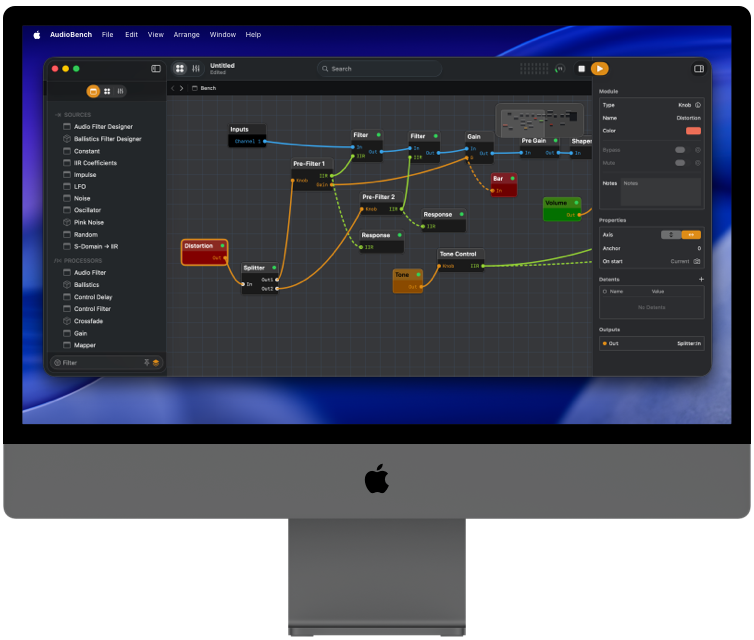
AudioBench is an interactive playground for audio and DSP
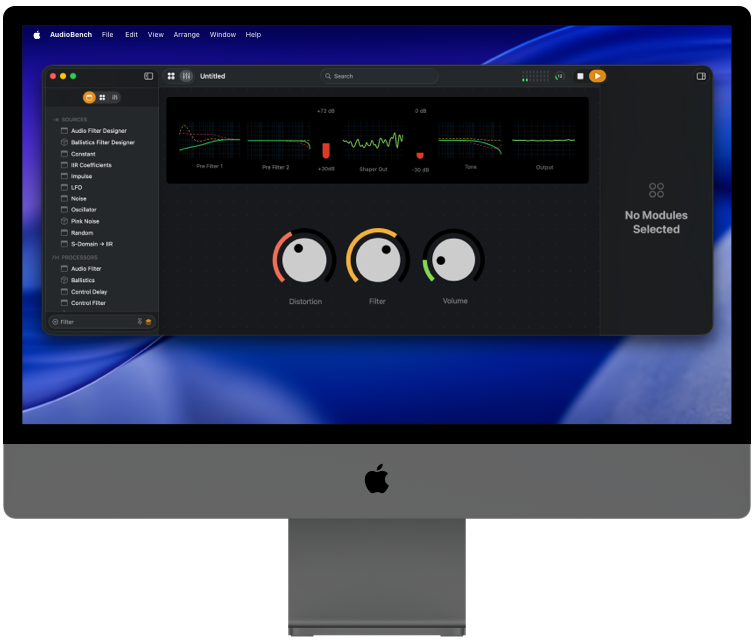
Build simple or complex signal flows from modular blocks, listen in real time, and watch meters, scopes, and spectra react to every change.
It’s a laboratory for your audio ideas
- Flexible enough to prototype complex processes
- Focused enough to demonstrate core concepts clearly
- Visual enough to show the signal flow, not just imagine it
With over 100* modules, if you've ever wanted to experiment with audio without all the soldering, AudioBench is for you.
Who is AudioBench for?
For DSP & audio students
Learn filters, dynamics, modulation, dithering, stereo imaging, and more by building them out of modules instead of staring at static diagrams.
For plugin makers & developers
Prototype new ideas, visualize edge cases, and audition signal paths before you commit them to code or hardware.
For engineers & sound thinkers
Build weird chains, test hardware-inspired circuits, or just poke at sound until it does something interesting.
Why build in AudioBench?
Because plugins and DAWs aren’t built for this kind of exploration.

Modular signal chains
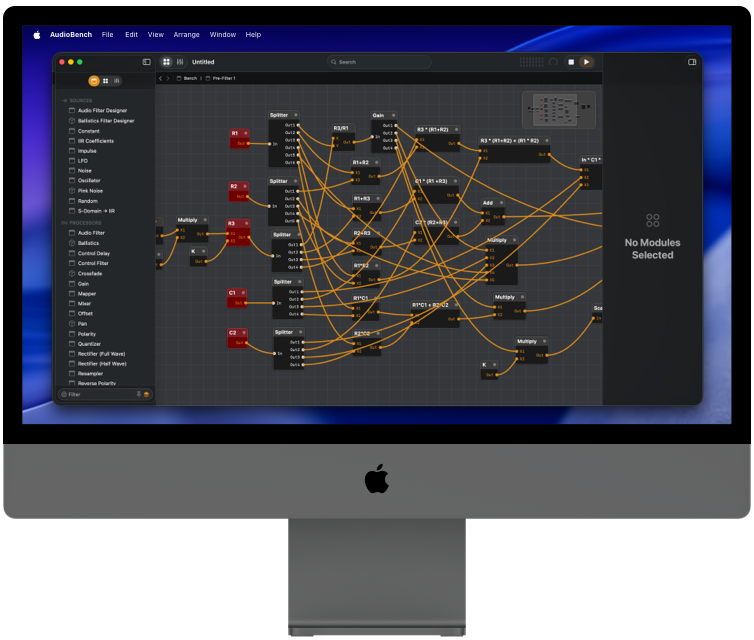
Drag modules onto a canvas and connect them left-to-right: filters, delays, mixers, meters, analyzers, and more.

Fixed, predictable sample rate
Designed around a consistent environment so your tests are repeatable and your math lines up.

Visual feedback everywhere
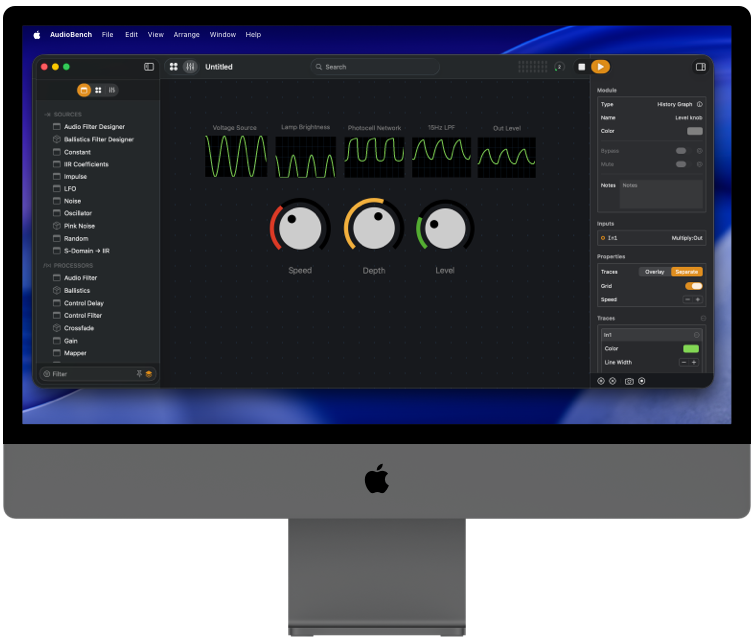
Waveform views, spectrums, meters, and graphs tuned for understanding what's happening at each step.

Educational templates
Start from curated "Fundamentals" setups: pan, filter, delay, compression, distortion, stereo imaging, IIR/FIR design, dithering, and more.

Non-destructive experimentation
Duplicate chains, try variations, compare approaches. No commitment, no tangled DAW project.

AudioBench as a thinking tool
Use it to reason about your algorithms, not just to "make a track."
From prototype to production
Start from a template or a blank canvas
Open an example for filters, compression, stereo imaging, or IIR design—or start from scratch if you're feeling adventurous.
Connect modules and tweak parameters
Patch inputs and outputs, add meters and analyzers, and adjust controls in real time while you listen and watch.
Capture what works
Once you like the behavior, translate it into code for your plugin, app, or hardware—or just save the document for future experiments.
Learn faster with
AudioBench Academy
Alongside the app, AudioBench Academy is a growing series of videos and examples that walk through core topics:
- Building and understanding signal chains
- Filters, dynamics, modulation, dithering, and stereo imaging
- How to connect what you see on-screen to the math behind it
The goal is simple: make DSP feel less like a wall of equations and more like an interactive instrument you can play with.
Not another plugin. Not a DAW.
A lab.
AudioBench doesn't try to replace your DAW, and it doesn't pretend to be a finished effect. It's a lab bench.
- No tracks, no timelines, no mixing session overhead
- Just clean signal paths, clear visuals, and controls that make the math obvious
If you're the kind of person who wants to understand what's happening inside a compressor, chorus, or dithering stage, AudioBench gives you the knobs, meters, and visualizations to do it.
Simple pricing, no surprises
AudioBench is a paid app with straightforward licensing — no forced subscriptions, no online activation drama.
- One-time purchase for the current major version.
- Discounted upgrades for future major versions.
- Free minor updates with new modules, fixes, and refinements.
$139.99 USD for a single license.
Educational pricing is available via the Apple School Manager.
Ready to build?
Get AudioBench today and start building your own signal paths, hearing your math, and visualizing sound in a whole new way.